
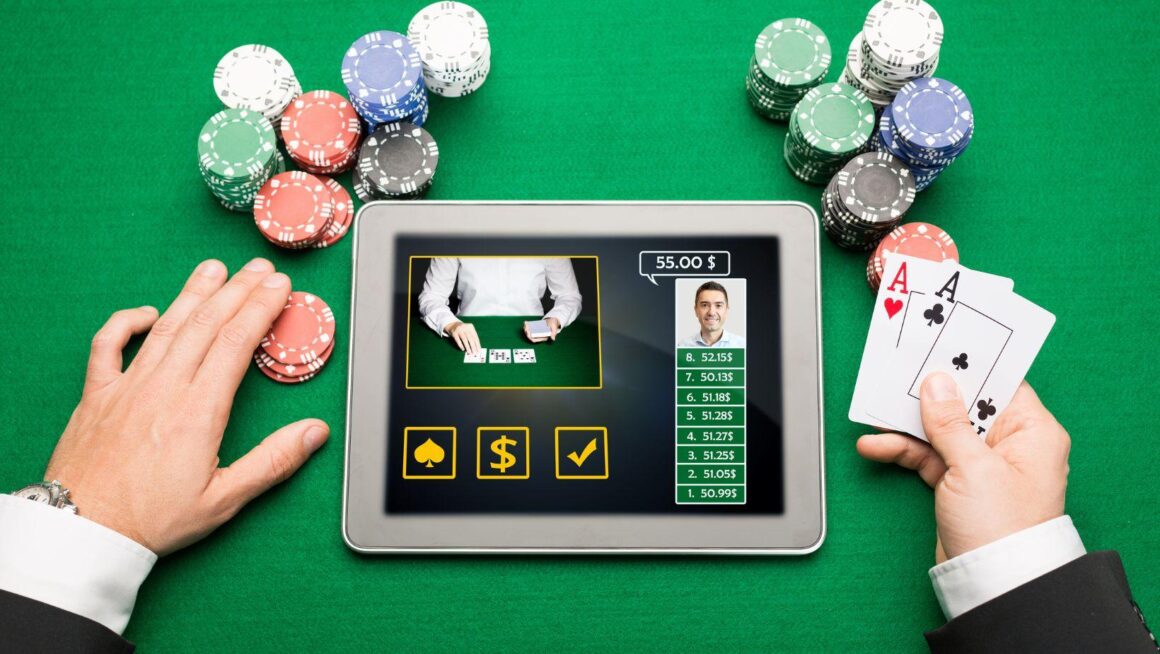
You open a game and wait. A loading symbol appears. Five seconds pass. Then ten. At some point, you start wondering if the game is even working. It may seem like a small issue, but a slow game can ruin the experience.
A Few Seconds Can Feel Surprisingly Long
People have become used to fast websites and apps. Tap a button and you expect something to happen. Games are no different. A short wait before a large game starts may be reasonable. Waiting after every menu change is another story. It makes the experience feel slow and outdated.
The problem becomes worse when there is no clear sign that the game is loading. Did the button work? Has the connection stopped? Should you press it again? Good design answers those questions quickly.
Loading Screens Need to Explain the Wait
Sometimes a game needs time to load. It may need to load images, sounds, and other files before it starts. A useful loading screen can make that wait easier to understand. It might include:
- A progress bar
- A loading percentage
- A simple animation
- A connection message
- A clear error notice if something goes wrong
These details do not make the connection faster. They do make the delay less confusing.
Interrupted Sessions Create Bigger Problems
Slow loading is annoying. A broken session can be much more confusing. Connections can drop for many reasons. Wi-Fi may become weak. Mobile data can change between network types. A server can experience a temporary problem. What happens next is what truly matters.
Clear Recovery Matters
After a connection problem, players should be able to understand what happened. The interface may need to show:
- Whether an action was completed
- The current game result
- The updated balance
- Whether the connection has returned
- What the player should do next
This is one area where technical performance and interface design meet. The system may work correctly behind the scenes. But if the screen does not explain what happened, the user can still feel lost.
Animations Can Make Games Feel Slower
Animation is a major part of modern game design. Cards move across tables. Slot reels spin. Buttons react when pressed. Symbols light up. Results may appear with short visual effects. These details can make a game easier to follow and more enjoyable to look at. There is a limit, though. Long animations can make a fast game feel slow. This is especially noticeable when the same sequence plays again and again.
Animation Should Support the Action
Useful animation has a purpose. It can show that:
- A button was pressed
- A card was dealt
- A round has started
- A result has been recorded
- A menu has opened
Once that message is clear, the animation has done its job. Extra movement can add visual style, but it also requires more processing power. On an older phone, complex effects may cause stuttering or delays. Simple casino online games can usually work better.
Mobile Connections Are Not Always Stable
A desktop computer at home may use the same internet connection for hours. Phones move around. That creates a different challenge. Someone might start a game using home Wi-Fi, walk outside, and switch to mobile data. Later, the signal may weaken inside a building or while travelling.
The game needs to deal with these changes. Developers cannot control the internet connection. But they can make games use less data and work better when the connection is weak.
Large Files Can Create Unnecessary Delays
Good graphics can make a game look better, but they can also make it slower. Large images, animations, and sounds take more time to load. This is a bigger problem on slow internet. Developers need to keep games looking good without making them too slow. Smaller files and simple animations can help games load faster.
Smaller Does Not Have to Mean Worse
There are many ways to reduce loading time without making a game look basic. Developers can:
- Compress images
- Reduce unnecessary animation
- Load important files first
- Delay secondary content
- Reuse visual elements
- Optimize audio files
Players may never notice these technical choices. That is often a sign that they worked.
Device Performance Matters Too
Not every loading problem comes from the internet. The device also matters. Older phones, tablets, and computers may run games more slowly, even with good internet. Phones can also slow down when they get too hot. Battery-saving mode may make games run slower too. Some devices reduce processing power to save energy.
This is why developers test games on more than the newest devices. A game that works perfectly on an expensive phone should still remain usable on more basic hardware.
Fast Games Can Still Have Poor Design
Speed alone does not create a good experience. A game might load instantly but have confusing menus. Another might run smoothly while hiding important controls. Technical performance and usability need to work together.
A responsive interface should give clear feedback after every action. Buttons need to react when touched. Menus should open without strange pauses. Important information should appear when the player expects it. When these details work together, the game feels natural.
Performance Problems Can Affect Trust
Technical issues create questions.If a game freezes, the player may not know if their action worked. If the balance updates slowly, they may think there is a problem. The problem might only be visual. But the player cannot see what is happening on the server. Clear messages help here. So does consistent performance. When games respond in the same way each time, users know what to expect. That sense of predictability is important for any digital service that handles money.
![[D2] Daily Reset Thread [2021-09-07]](https://meltingtopgames.com/wp-content/uploads/2023/07/Untitled-design-2024-07-10T102422.093-1160x651.png)