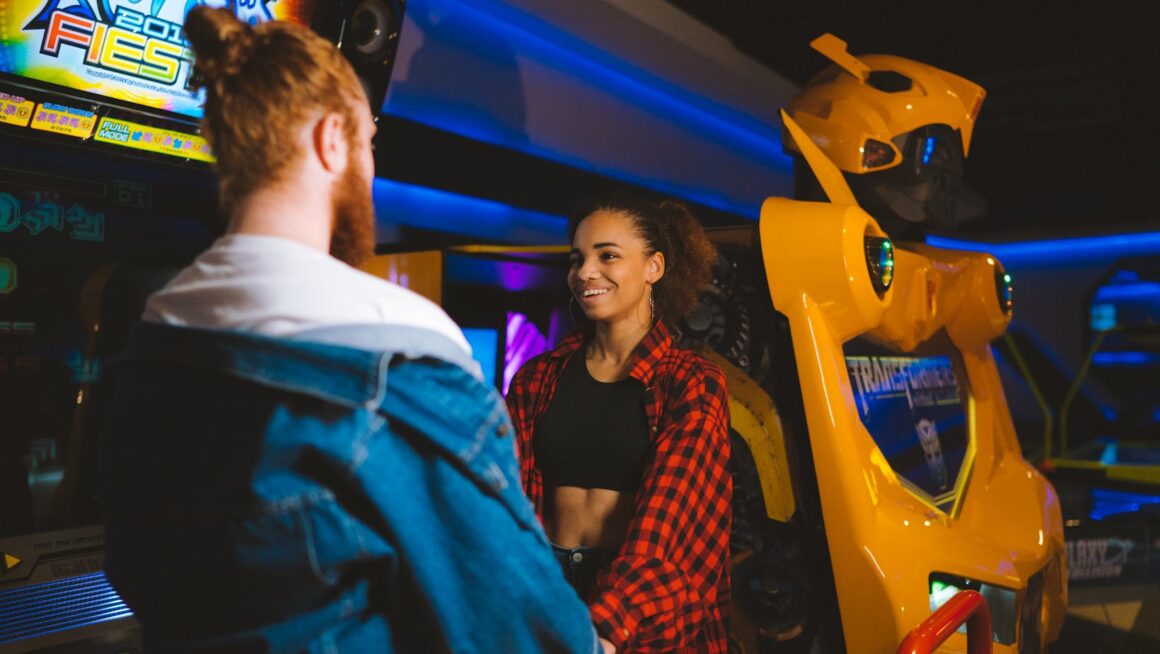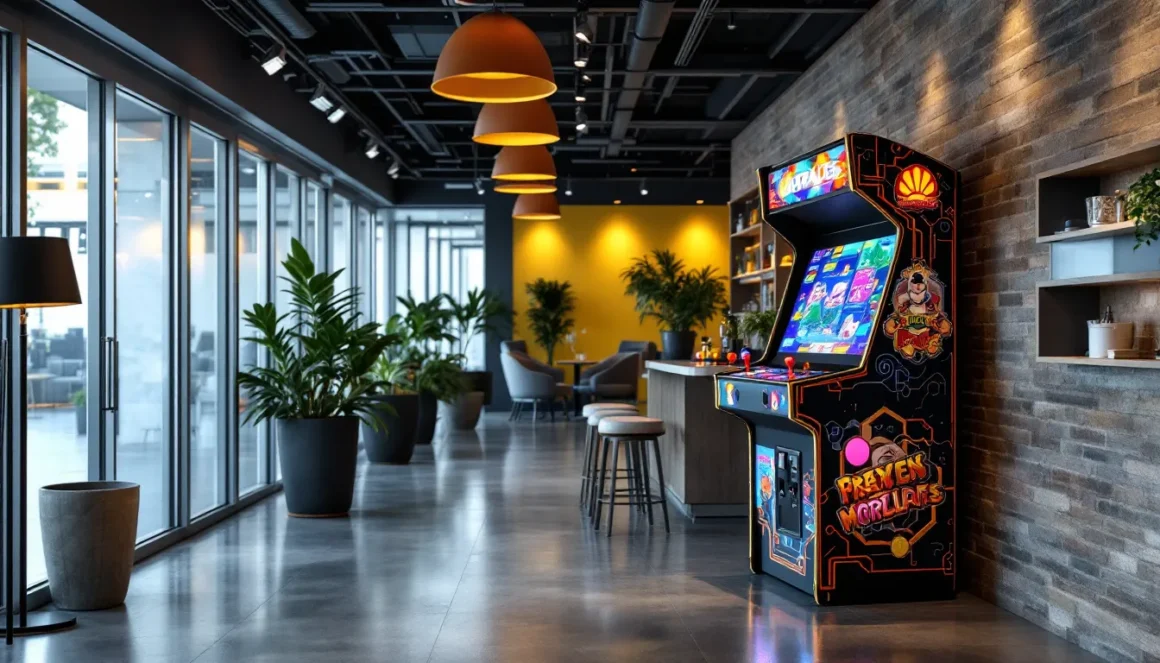
Hosting an event that needs a serious nostalgia boost? Arcade game rentals have surged in popularity over the past few years, transforming everything from corporate parties to wedding receptions into throwback gaming paradises. Whether you’re planning a birthday bash, trade show booth, or company team-building day, bringing in classic cabinets or modern arcade units creates an instant conversation starter that appeals to multiple generations.
The rental market has evolved significantly since 2024, with more companies offering flexible packages, improved machine reliability, and better technical support. Today’s arcade games for rent span decades of gaming history, from Pac-Man and Galaga to modern racing simulators and VR-enabled units. This guide walks through everything from selecting the right machines for your crowd to understanding 2026 pricing, finding reputable vendors, and maximizing your rental experience so guests actually fight over who gets the next turn.
Key Takeaways
- Rent arcade games for $150–$400 per machine per weekend to transform events with low-commitment entertainment that creates organic social engagement across multiple generations.
- Arcade game rentals eliminate ownership costs and maintenance headaches while offering flexible packages that suit corporate events, weddings, birthday parties, and fundraisers of any size.
- Match your game selection to your audience demographic—corporate events favor ’80s classics like Pac-Man, while younger crowds prefer racing simulators and fighting games for competitive appeal.
- Strategic machine placement in high-traffic areas with proper lighting and heat ventilation maximizes guest engagement and prevents bottlenecks at your event.
- Vet rental vendors thoroughly by requesting maintenance records, cancellation policies, liability insurance, and references from recent clients to avoid equipment failures during your event.
- Budget 2026 arcade rental costs at $250–$500 for 1-2 machines, $600–$1,200 for 3-5 machines, plus delivery fees of $75–$200 and optional damage waivers for comprehensive event coverage.
Why Renting Arcade Games Is the Perfect Entertainment Solution
Arcade rentals solve a problem that event planners constantly face: keeping guests engaged without resorting to generic entertainment that half the room ignores. Unlike passive options like background music or slideshow loops, arcade cabinets demand interaction and create organic social moments. Players naturally gather around machines, trash-talk develops, high scores get challenged, it’s active entertainment that doesn’t require an MC or structured schedule.
The nostalgia factor hits differently depending on age brackets. Millennials and Gen X light up at the sight of a Street Fighter II cabinet or Mortal Kombat unit, instantly transported to their arcade-hopping days. Younger attendees discover these games as retro curiosities, often surprised by the difficulty and mechanical precision required compared to modern titles with generous aim-assist and checkpoint systems. That generational bridge creates unexpected connections at events where age groups might otherwise stay siloed.
From a practical standpoint, rentals eliminate the storage, maintenance, and depreciation headaches of ownership. A full-size cabinet runs $2,000-$5,000 to purchase outright, then sits in a garage collecting dust between uses. Rental costs typically range from $150-$400 per machine for a weekend (more on specific 2026 rates later), with delivery, setup, and troubleshooting handled by the vendor. For one-off events or companies testing whether arcade elements resonate with their audience, renting offers a low-commitment trial run.
Space efficiency also matters. Modern multi-game units pack 60+ classic titles into a single cabinet footprint, delivering variety without requiring a small warehouse. Vendors often provide layout consultations, suggesting optimal placement that encourages flow rather than bottlenecks. The tactile, screen-free nature of arcade gaming also provides a welcome break in an era where most entertainment happens on phones, ironic, perhaps, but attendees genuinely appreciate the change of pace.
Types of Arcade Games Available for Rent
Classic Arcade Cabinets
Classic cabinets refer to original or faithful reproductions of games from the golden age (roughly 1978-1992). These machines feature the authentic CRT monitors, original artwork, and precise controls that purists swear make a difference in gameplay feel. Popular rentals include Donkey Kong, Ms. Pac-Man, Centipede, Galaga, and Space Invaders.
The appeal lies in authenticity. A real Pac-Man cabinet with its original Sanwa joystick and tactile button clicks delivers muscle memory that emulation can’t quite replicate. Many vendors maintain restored units with replaced capacitors, re-coated PCBs, and refurbished monitors to keep them running reliably. Expect these to command premium rental rates due to maintenance costs and collector value.
One consideration: CRT monitors require careful handling during transport and can fail more frequently than modern LCD alternatives. Some rental companies offer “classic-style” cabinets running original game code on LCD screens as a middle-ground solution, visually similar with improved reliability.
Modern Arcade Machines
Modern arcade machines include anything from the late ’90s forward, encompassing titles like Dance Dance Revolution, racing simulators with force-feedback wheels, light-gun shooters, and rhythm games. These machines often feature motion controls, networked multiplayer, or ticket-dispensing mechanisms.
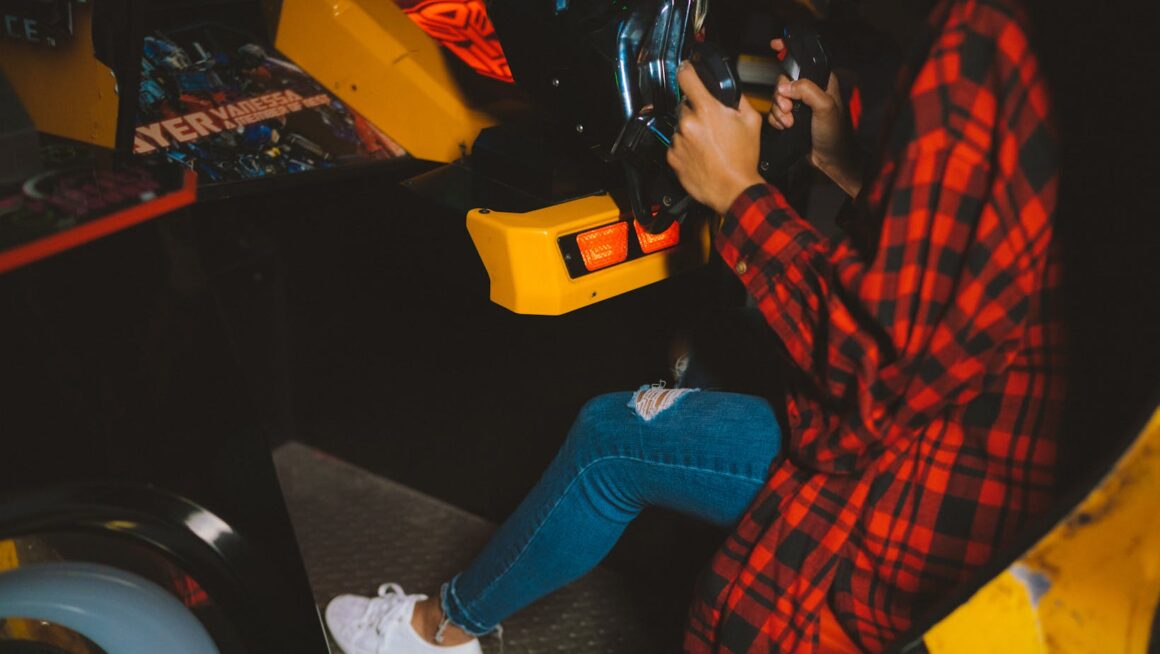
Racing simulators, Cruis’n, Daytona USA, sit-down OutRun cabinets, remain incredibly popular for corporate events and car-themed parties. The physical immersion of a steering wheel, pedals, and shifter creates spectator appeal that button-based games can’t match. Modern fighting games like Tekken 7 or Street Fighter 6 cabinets attract competitive players and can anchor tournament-style events.
Ticket redemption games (think Skee-Ball, Whac-A-Mole, basketball shooters) work well for family events or fundraisers where prize distribution adds an extra engagement layer. Some vendors bundle ticket prizes into rental packages, while others charge separately for redemption inventory.
Pinball Machines
Pinball machines occupy their own category even though technically being arcade equipment. Classic titles, The Addams Family, Medieval Madness, Twilight Zone, have dedicated fan bases and command high rental fees due to scarcity and maintenance complexity. Modern Stern pinball releases (Godzilla, Mandalorian, Rush) offer reliability improvements and integrated LCD displays alongside traditional mechanical elements.
Pinball excels at drawing crowds because gameplay is visible, audible, and kinetic. The metallic clatter, light shows, and ball physics create sensory appeal that makes machines function as centerpiece attractions. Tournaments naturally emerge around pinball in ways that single-player arcade games don’t encourage.
Maintenance remains the caveat. Pinball machines contain hundreds of moving parts, bumpers, flippers, ramps, switches, that can malfunction mid-event. Reputable rental companies perform pre-delivery inspections and include on-call support, but pinball remains higher-risk than solid-state arcade cabinets.
Multi-Game Arcade Units
Recent developments in arcade technology evolution have made multi-game arcade units the workhorse of the rental industry. These cabinets run emulation boards loaded with 60, 412, or even 1,000+ classic titles, all accessible through an on-screen menu. Popular brands include Pandora’s Box, 60-in-1, and custom-built MAME cabinets.
The value proposition is obvious: rent one machine, get an entire arcade. These units work exceptionally well for events where attendees have varied gaming preferences, platformers, shooters, puzzle games, and fighters all live under one roof. Setup is simpler (one power cable, no networking), and failure rates drop since there’s no aging original hardware to worry about.
Purists will note that emulation introduces minor input lag and doesn’t perfectly replicate original hardware behavior, but for casual event attendees, the difference is negligible. The game selection flexibility often outweighs the authenticity trade-off, especially for budget-conscious planners who want variety without renting six separate cabinets.
How to Choose the Right Arcade Games for Your Event
Consider Your Audience and Event Type
Matching game selection to your demographic prevents the awkward scenario where machines sit unused while guests cluster at the bar. Corporate events with a 35-50 age bracket skew toward ’80s and early ’90s classics, Pac-Man, Frogger, Donkey Kong, that trigger the strongest nostalgia. Younger crowds (18-30) often gravitate toward fighting games, racing simulators, or rhythm games that offer competitive, spectator-friendly gameplay.
Family events require careful content filtering. Some classic arcade games, Mortal Kombat, House of the Dead, Doom, feature violence or gore inappropriate for all-ages gatherings. Opt for universally accessible titles: Galaga, Dig Dug, Ms. Pac-Man, Frogger, or sports games like NBA Jam. Pinball machines and ticket redemption games also perform well in mixed-age environments.
For trade shows or marketing activations, consider branded or thematically relevant machines. Car manufacturers often rent racing simulators: tech companies might opt for VR arcade units. The goal shifts from pure entertainment to brand alignment and photo opportunities that attendees share on social media.
Competitive gaming events demand different specs entirely. Tournament-grade Street Fighter or Tekken cabinets need low-latency monitors, tournament-standard controls, and reliable networking for bracketed play. Many esports-focused rental companies offer packages specifically designed for this use case, including stream-ready setups and backup equipment.
Space Requirements and Venue Considerations
Arcade cabinets aren’t small. Standard upright units measure roughly 26-30 inches wide, 32-36 inches deep, and 70-75 inches tall. Sit-down racing cabinets can hit 6+ feet in length. A single machine needs about 3×4 feet of floor space minimum, with additional clearance for player movement and spectator gathering.
Calculate your available square footage realistically. A 200-square-foot corner accommodates 3-4 upright cabinets comfortably, or 2 racing simulators, or 1 pinball machine with proper sight lines. Cramming too many machines into tight quarters creates bottlenecks and diminishes the experience. Guests won’t engage if they’re constantly bumping elbows or can’t see screens due to glare.
Electrical capacity matters more than most planners anticipate. Each machine draws 2-3 amps on average: older CRT-based cabinets can pull 5+ amps. A standard 15-amp circuit safely handles 4-5 modern machines or 2-3 classic cabinets. Venues with limited or distant outlets may require extension cords (which rental companies typically provide) or generator rentals for outdoor events.
Accessibility considerations include doorway widths (cabinets must fit through), elevator capacity (machines average 250-350 pounds), and stair access. Second-floor venues without freight elevators can dramatically increase delivery costs or render certain machines unavailable. Outdoor events need weather protection, tents, canopies, or indoor backup plans, since arcade electronics and moisture don’t mix.
Budget Planning for Arcade Game Rentals
Budget allocation depends on how central arcade games are to your event concept. If machines function as the main attraction (arcade-themed birthday party, retro gaming tournament), allocate 30-40% of your entertainment budget to rentals. For events where they’re supplemental entertainment (corporate mixer, wedding reception), 10-20% is more typical.
Most rental companies offer tiered packages:
- Basic Package (1-2 machines): $250-$500 for a weekend, suitable for small gatherings or single-room setups
- Standard Package (3-5 machines): $600-$1,200, works for medium-sized events with 50-100 attendees
- Premium Package (6-10+ machines): $1,500-$3,500+, transforms larger venues into full arcade experiences
Multi-day rentals beyond the standard Friday-Monday weekend typically add 20-30% per additional day. Some vendors offer weekly rates (Monday-Monday) at 1.5-1.8× the weekend price, beneficial for week-long conferences or extended installations.
Don’t forget to factor in:
- Delivery and setup fees: $75-$200+ depending on distance and venue complexity
- Damage waiver/insurance: $50-$150 per event, highly recommended
- Staffing: Some companies offer on-site attendants ($25-$40/hour) to handle technical issues and keep machines running smoothly
- Pickup fees: Usually included in delivery cost, but confirm
Bulk discounts emerge when renting multiple machines from the same vendor. Renting 5+ units often triggers 10-15% package pricing, and long-term or repeat customers can negotiate better rates. Always request itemized quotes to understand exactly what you’re paying for.
What to Expect: Arcade Game Rental Costs in 2026
Daily and Weekly Rental Rates
Pricing has stabilized somewhat after the pandemic-era supply chain disruptions of 2022-2023, but inflation and increased demand have pushed 2026 rates up roughly 8-12% from 2024 baselines. Here’s the current landscape by machine type:
Classic Single-Game Cabinets:
- Common titles (Pac-Man, Galaga, Donkey Kong): $175-$275/weekend
- Rare or collector titles (Dragon’s Lair, Tron, Tempest): $300-$450/weekend
- Weekly rates: Add 50-80% to weekend price
Multi-Game Units:
- 60-game cabinets: $200-$325/weekend
- 412+ game cabinets: $275-$400/weekend
- Weekly rates: $400-$650 depending on game count
Modern Arcade Machines:
- Racing simulators (sit-down): $350-$550/weekend
- Fighting game cabinets: $250-$400/weekend
- Light-gun games: $300-$475/weekend
- Dance/rhythm games: $400-$600/weekend
Pinball Machines:
- Classic titles: $300-$500/weekend
- Modern Stern releases: $350-$550/weekend
- Rare collector pins: $500-$800+/weekend
Geographic location significantly impacts pricing. Major metro areas (NYC, LA, Chicago, SF) run 20-30% above these ranges due to higher operating costs and demand. Smaller markets and rural areas often price 10-15% below. Seasonal demand spikes also affect availability, graduation season (May-June), summer wedding months, and December holiday parties book fast and sometimes carry premium pricing.
Current reports from vendors on PCMag show that arcade rental businesses experienced 23% year-over-year growth in 2025, suggesting strong demand that’s kept pricing firm even though increased competition in the market.
Delivery, Setup, and Additional Fees
Delivery fees operate on distance-based pricing. Most companies offer:
- Local delivery (within 25 miles): $75-$125 flat rate
- Regional delivery (25-50 miles): $125-$200
- Extended delivery (50-100 miles): $200-$350+
- Beyond 100 miles: Negotiated, often $2-$4/mile
Some vendors waive delivery fees for rentals exceeding certain minimums ($1,000+), but always confirm in writing. Delivery typically includes setup, leveling machines, testing all functions, and providing a brief orientation on basic operation.
Setup complexity fees apply for challenging venues:
- Stair carry (per flight): $25-$50 per machine
- Long-distance carries (parking >100 feet from setup location): $25-$75
- Weekend/after-hours delivery: 25-50% surcharge
- Assembly-required units: Usually included, but specialty installations may cost extra
Technical support options range from included to premium add-ons:
- Phone/text support during rental: Standard with most vendors
- Emergency on-site response: $150-$300 depending on timing and distance
- Dedicated on-site attendant: $25-$40/hour, minimum 4 hours
Insurance and damage waivers deserve careful consideration. Standard rental agreements hold renters liable for damage beyond normal wear. A $75-$150 damage waiver shifts that risk to the vendor, covering accidental damage (spilled drinks, controller breakage, cosmetic damage). Intentional damage or theft typically remains renter responsibility regardless.
Late return fees kick in if machines aren’t available for pickup at the agreed time, usually $50-$100 per machine per day, though some companies prorate hourly. Communication is key: most vendors accommodate reasonable schedule changes if notified in advance.
Finding Reputable Arcade Game Rental Companies
Questions to Ask Before Booking
Vetting rental companies properly prevents nightmare scenarios where machines arrive non-functional or vendors ghost you when technical issues emerge mid-event. Start with these essential questions:
What is your cancellation and refund policy? Life happens: events get postponed. Understand deposit refundability, cancellation deadlines, and rescheduling flexibility. Reasonable policies typically allow full refunds 30+ days out, partial refunds 14-30 days out, and deposits retained for cancellations within 14 days.
What condition are your machines in? Request photos of actual inventory, not stock images. Ask about maintenance schedules and how recently machines were serviced. Reputable vendors proudly discuss their refurbishment processes and testing protocols.
What happens if a machine malfunctions during my event? Response time expectations matter. Do they offer phone troubleshooting first? How quickly can they dispatch a technician? Is a replacement machine available if repair isn’t feasible? These answers reveal how seriously they take customer service.
Are delivery, setup, and pickup included in the quoted price? Some vendors advertise low rental rates then hit you with surprise fees later. Insist on all-inclusive quotes with itemized breakdowns.
Do you carry liability insurance? Professional rental companies maintain insurance covering property damage and injury claims. Request certificates of insurance, especially if your venue requires proof of coverage.
What payment methods do you accept, and when is payment due? Typical structures involve 25-50% deposits at booking and balance due before delivery. Credit card payments offer better dispute resolution than cash or Venmo if problems arise.
Can you accommodate our venue’s specific requirements? Discuss access limitations, power availability, and setup timeline. A vendor’s willingness to visit the venue beforehand often indicates professionalism.
Reading Reviews and Checking Credentials
Online review research starts with Google Business listings, Yelp, and wedding/event planning platforms like The Knot or WeddingWire. Look beyond star ratings, read actual review content for patterns. Single complaints about late delivery might be flukes: multiple mentions of non-functional equipment signal systemic problems.
Pay attention to how companies respond to negative reviews. Professional vendors acknowledge issues, explain what went wrong, and describe corrective measures. Defensive, combative, or absent responses raise red flags.
Social media presence offers additional insights. Active Instagram or Facebook pages showing recent events, machine inventory, and behind-the-scenes maintenance suggest an engaged, growing business. Stale social media or no online presence at all can indicate part-time operations or companies struggling to maintain momentum.
Industry affiliations matter less in arcade rentals than in some industries, but membership in event planning associations (ILEA, MPI) or gaming industry groups demonstrates commitment to professional standards. Some rental companies also participate in gaming conventions or classic arcade preservation communities, indicating genuine passion beyond just profit motive.
Reference requests shouldn’t feel awkward. Established companies readily provide contacts for recent clients, especially for large or high-profile events. Speaking directly with past customers reveals details, responsiveness, problem-solving ability, equipment condition, that reviews might miss.
Local business verification through Better Business Bureau or local chamber of commerce confirms legitimacy and reveals complaint history. While BBB ratings aren’t perfect indicators, patterns of unresolved disputes warrant caution.
Insights from Game Informer coverage of the arcade industry highlight that the best rental companies often grew from collector communities or former arcade operators who transitioned into event services, these folks genuinely care about machine preservation and guest experience rather than just transaction volume.
The Rental Process: From Booking to Pickup
The rental process typically spans 3-8 weeks from initial contact to event day, though rush bookings for available inventory can happen in as little as a week. First contact usually involves a consultation, either phone, video chat, or in-person meeting, where you discuss event details, guest demographics, space constraints, and budget. Quality vendors ask probing questions rather than immediately pushing their most expensive packages.
Once you’ve selected machines, expect a written quote or proposal detailing equipment list, rental period, pricing breakdown, delivery logistics, and terms/conditions. Review this carefully before signing. The booking confirmation typically requires a deposit (25-50% is standard) and signed agreement outlining both parties’ responsibilities.
About 2-3 weeks before your event, reputable companies conduct a confirmation call verifying delivery details, exact address, load-in time, access information, contact numbers. This is when you should mention any last-minute concerns about power access, parking restrictions, or venue changes. Many companies also send pre-event checklists ensuring you’ve prepared appropriately.
Some event planners coordinate with venues that regularly host retro gaming gatherings to ensure optimal machine placement and electrical setup.
Delivery, Installation, and Technical Support
Delivery windows usually span 2-4 hours rather than precise times, logistics involving multiple stops make exact timing difficult. Vendors typically confirm the morning of delivery with a more specific ETA. Someone authorized to accept delivery must be present to sign paperwork and review machine orientation.
Professional setup includes:
- Positioning machines per your layout plan
- Leveling cabinets (critical for proper coin mechanisms and aesthetics)
- Testing all controls, displays, and gameplay functions
- Verifying power requirements and cable management
- Demonstration of basic operation and common troubleshooting
This process takes 10-15 minutes per machine. Budget accordingly, setting up 8 cabinets can consume 90+ minutes. Rush installations happen when necessary, but allowing proper setup time ensures machines are optimized before guests arrive.
Technical orientation covers restarting procedures, volume controls, and coin/credit mechanisms. Free-play mode (no coins required) is standard for private events, but confirm this preference during booking. Some vendors provide laminated instruction cards to post near machines for common issues.
Communication protocols matter during multi-day events. Clarify who to contact for technical issues, often a dedicated support number separate from the main business line. Response time expectations should be explicit: phone support within 30 minutes, on-site response within 2-4 hours depending on distance and timing.
Many companies now offer video troubleshooting via smartphone, you show them the problem, they walk you through fixes. This resolves 60-70% of issues without requiring site visits. Common problems include:
- Screen/display issues (cable connections, power cycling)
- Control responsiveness (recalibration procedures)
- Sound problems (volume settings, speaker connections)
- Game resets or freezes (standard reboot processes)
Maintenance and Troubleshooting During Your Event
Even though pre-delivery testing, arcade machines occasionally act up under heavy use. Preventive measures reduce failure rates:
- Keep drinks and food away from cabinets (establish a “no food/drink near machines” rule)
- Monitor for aggressive play, enthusiastic button mashing can damage controls
- Ensure adequate ventilation if machines are in enclosed spaces
- Avoid repositioning machines once installed (risks bumping internal components)
Common mid-event issues and quick fixes:
Screen goes black but machine is on: Check video cable connections at both ends. Try power cycling, full shutdown, wait 30 seconds, restart.
Controls stop responding: Often a loose connection inside the control panel. If you’re comfortable, open the coin door and check wiring. Otherwise, contact vendor support.
Loud buzzing or humming: Usually ground loop interference. Try different power outlets or ask venue staff about circuit options.
Game keeps resetting: Could indicate overheating or power supply issues. Ensure ventilation and try different outlets to rule out electrical problems.
Coin mechanism jamming (if using coins): Most are cleared by opening the coin door and manually releasing the jam. Free-play mode eliminates this issue entirely.
For serious malfunctions, document the problem with video/photos and contact vendor support immediately. Most rental agreements credit you for machines that remain non-functional beyond a reasonable repair window (typically 2-4 hours). Having backup entertainment options prevents complete dead zones if a machine goes down.
Pickup scheduling happens either the day after your event or Monday morning for weekend rentals. Machines should be powered down but left in position, the vendor handles disconnection and removal. A final walkthrough confirms no damage occurred, and any damage waiver coverage discussions happen at this point if issues exist.
Popular Events Perfect for Arcade Game Rentals
Corporate events top the arcade rental request list. Team-building activities benefit from the collaborative competition arcade games naturally create, sales departments battling for high scores, department-vs-department NBA Jam tournaments, or co-op games requiring teamwork. Product launches and trade show booths use arcade machines as attention magnets, drawing traffic while competitors offer boring brochure racks.
Tech companies especially embrace arcade rentals for office parties, recruiting events, and client entertainment. The nostalgic-yet-innovative vibe aligns with startup culture, and machines provide activity focal points that help networking better than pure cocktail mingling. Some companies now maintain relationships with rental vendors for recurring quarterly events or all-hands meetings.
Wedding receptions and rehearsal dinners increasingly feature arcade elements, particularly for couples who met gaming together or want alternatives to traditional DJ entertainment. Machines typically occupy cocktail hour or late-night entertainment slots after formal activities conclude. Racing simulators and classic cabinets photograph well, creating shareable social media moments. One trend: couples selecting games meaningful to their relationship, the Street Fighter cabinet where they first played together, or Ms. Pac-Man from their first arcade date.
Birthday parties span all age groups. Kids’ parties (8-14 range) gravitate toward ticket redemption games, racing simulators, and recognizable characters. Adult milestone birthdays (30th, 40th, 50th) lean heavily nostalgic, recreating the arcade experience from their youth. Some planners build entire themes around specific decades, matching game selections to ’80s or ’90s aesthetics.
Bar and restaurant promotions use arcade rentals to drive traffic during slow periods. “Throwback Thursdays” with classic cabinets, weekend tournaments with prize pools, or themed nights around specific games create differentiation in competitive markets. Some establishments test customer response via short-term rentals before purchasing machines outright.
School events and fundraisers including carnivals, after-prom parties, and grad nights find arcade games hit the sweet spot of entertaining broad age ranges without the liability concerns of physical inflatables. Ticket-based games integrate naturally with fundraising mechanics, and nostalgia draws parental engagement at family events.
Gaming conventions and esports tournaments obviously embrace arcade rentals, but the requirements differ dramatically. Tournament-grade equipment, backup machines, and technical staffing become non-negotiable. Some rental companies specialize specifically in this market, offering packages designed for competitive play rather than casual entertainment.
Trends in various arcade game formats show that VR arcade experiences are gaining traction for tech-forward events, though logistics and space requirements remain more complex than traditional cabinets.
Tips for Maximizing Your Arcade Rental Experience
Strategic placement dramatically affects engagement. Position high-visibility machines, racing simulators, pinball, anything with dramatic visual or audio feedback, in traffic flow areas where they draw attention. Tuck quieter single-player games (Pac-Man, Galaga) in corners where focused players won’t block pathways. Create sight lines that let spectators watch gameplay without crowding players.
Avoid placing machines directly against walls if possible, leaving 6-12 inches allows heat dissipation and provides access to power switches and coin mechanisms if issues arise. Group complementary games together: fighting games near each other encourage bracket-style competition: racing games side-by-side enable head-to-head races.
Lighting considerations matter more than most planners realize. Arcade screens, especially older CRTs, wash out under direct overhead lighting or near windows with strong sunlight. Test screen visibility during setup and adjust ambient lighting accordingly. Some venues successfully create “arcade corners” with slightly dimmer lighting that enhances screen visibility and adds atmosphere.
Tournament organization amplifies engagement exponentially. Simple high-score challenges with leaderboards (whiteboard or digital display) create ongoing competition throughout events. More structured tournaments with brackets, scheduled heats, and prizes transform casual play into event programming that gives guests reasons to return throughout the evening. Prize incentives don’t need to be elaborate, gift cards, trophies, or branded items work well.
Promotional integration helps corporate events and brand activations maximize ROI. Custom marquee graphics (some vendors offer this service) reinforce branding: social media photo opportunities near machines generate organic content: and scoreboards can incorporate hashtags or brand messaging. Just avoid being heavy-handed, guests attend events for fun, not advertisements.
Staffing decisions depend on event size and guest demographics. Small gatherings (under 50 people) with tech-savvy attendees rarely need dedicated arcade attendants. Large events (100+ guests), family audiences, or high-profile occasions benefit from having someone dedicated to machine monitoring, quick troubleshooting, and helping guests understand unfamiliar games.
Some planners designate a “game master” from their own team, a designated point person who received thorough orientation from the rental company and handles first-line troubleshooting. This hybrid approach costs less than vendor-provided staffing while maintaining responsiveness.
Pre-event testing isn’t paranoia, it’s smart planning. Arrive 2-3 hours before guests for thorough testing of every machine. Play a few minutes of each game, test all controls, verify audio levels, and ensure free-play modes are configured correctly. Taking video of machines working properly provides documentation if disputes arise later about damage that existed before your event.
Feedback collection serves future planning. Note which machines drew the most attention, where bottlenecks formed, and what guests requested that wasn’t available. This intelligence makes your next arcade rental event significantly better. Some planners photograph guest engagement throughout events, these images help rental companies understand what worked and inform their recommendations for future bookings.
For those looking to expand beyond traditional formats, newer immersive arcade technologies like VR units add a cutting-edge element, though they require more space and supervision than standard cabinets.
Conclusion
Arcade game rentals have evolved from novelty nostalgia plays into sophisticated entertainment solutions backed by professional vendors who understand event logistics. The 2026 market offers unprecedented variety, from meticulously restored classics to modern multi-game units capable of satisfying diverse crowds. Costs have stabilized into predictable ranges, and the rental process has matured into a reliable service model when you work with reputable companies.
Success hinges on matching game selection to your specific audience, venue, and event goals rather than simply renting whatever’s cheapest or most available. Corporate events need different machines than family gatherings: competitive tournaments require different specs than casual wedding entertainment. The time invested in planning placement, understanding your rental agreement details, and vetting vendors properly pays dividends in guest engagement and headache prevention.
As the retro gaming renaissance continues building momentum, expect rental options to expand further. VR arcade experiences, competitive esports packages, and hybrid digital-physical installations will supplement traditional cabinet offerings. The fundamentals remain constant: arcade games create social moments, bridge generational gaps, and provide tactile entertainment that screens and speakers alone can’t replicate. Whether you’re planning your first arcade rental or your fiftieth, treating it as a curated experience rather than just equipment delivery transforms good events into memorable ones.